Put WiFiDrive on your own board.
- Nothing to learn or download: install it right here, on this page.
- Updates are free.
- If your machine won’t read the drive, a full refund within 30 days.
What you need
Plug in, pay, done.
- 1
Connect the board
ESP32-S3 N16R8 ·
We’ll check it can run WiFiDrive before you pay anything.
- 2
Was , nowFreePayFor the first boards: left.
Have a coupon? Add it at checkout.
Paid.
Licensed.
Already paid: this board has its license.
- 3
Install
Installed.
Keep the board plugged in and this tab open.
Start it again
- Plug your board into this computer while holding its BOOT button.Plug your board’s USB-OTG port into this computer while holding its BOOT button.
- Release the BOOT button, then press
- Pick your board from the popup and click its Connect button.
Open wifidrive.app/install in Chrome on your computer.
Free for the first boards: no card needed.
This board already has a WiFiDrive license. Reinstalling is free.
Installing WiFiDrive
- Enjoy the walks to your machine. These will be the last :D
- Have your WiFi’s name and password at hand for the setup.
- Need more than the built-in 15 MB? Add a microSD card, on a board with a slot.
- Like to read ahead? The manual is online, and on the drive itself.
Next, at your machine
Which board to buy
WiFiDrive needs an ESP32-S3 with 16 MB of flash and 8 MB of PSRAM, sold as N16R8. These are the ones we’ve tested.
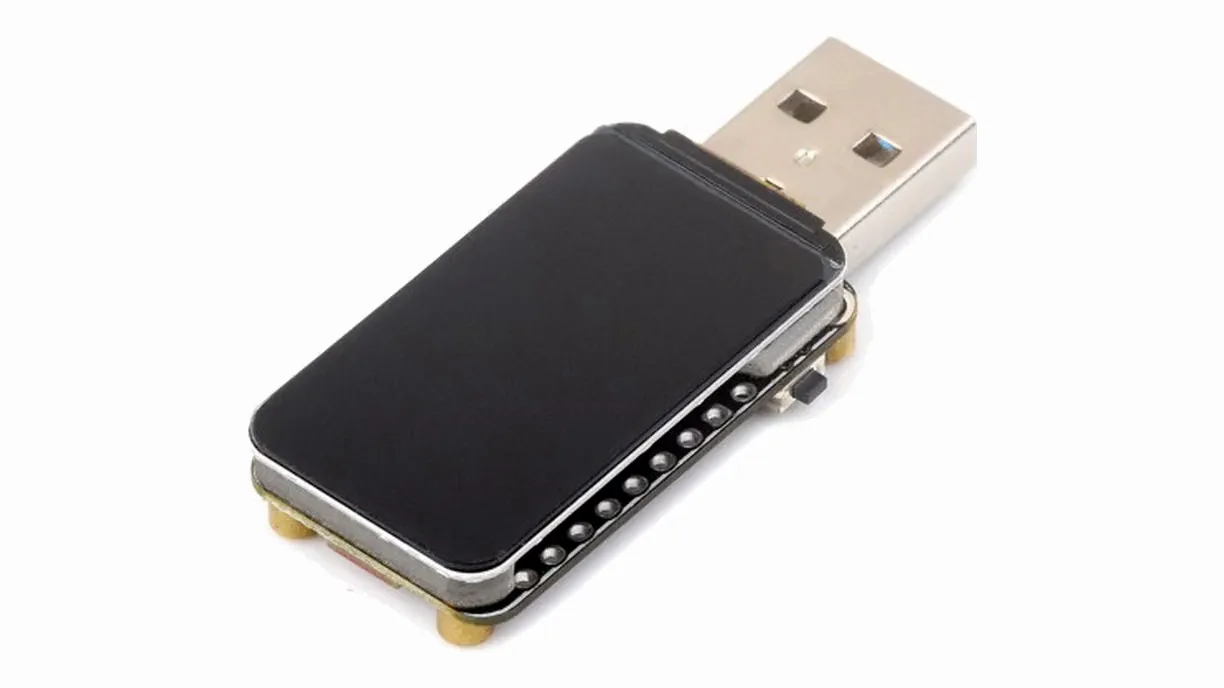
Waveshare ESP32-S3 LCD 1.47
16 MB flash · 8 MB PSRAM- Plugs straight in, no cable
- microSD slot for more storage
- Standard WiFi range
- Large screen
- From $13
Also on Amazon: US · CA · MX · UK · IE · DE · FR · IT · ES · NL · BE · SE · PL · SA
AliExpress
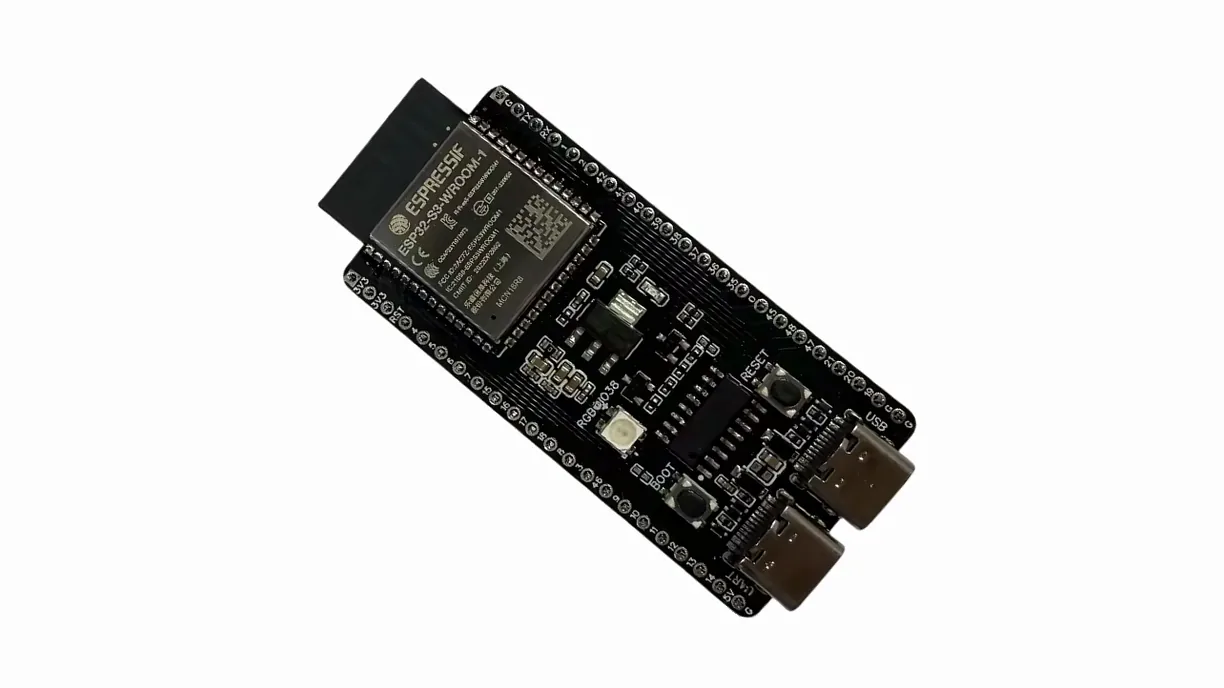
ESP32-S3-DevKitC N16R8
Generic clones · 16 MB flash · 8 MB PSRAM- Needs a USB-C cable
- No microSD slot: 15 MB built in
- More WiFi range
- No screen or case
- From $5
Also on Amazon: US · CA · UK · IE · DE · FR · IT · ES · NL · BE · SE · PL · TR · AU · IN · AE · EG · Mercado Libre: AR · BR · MX
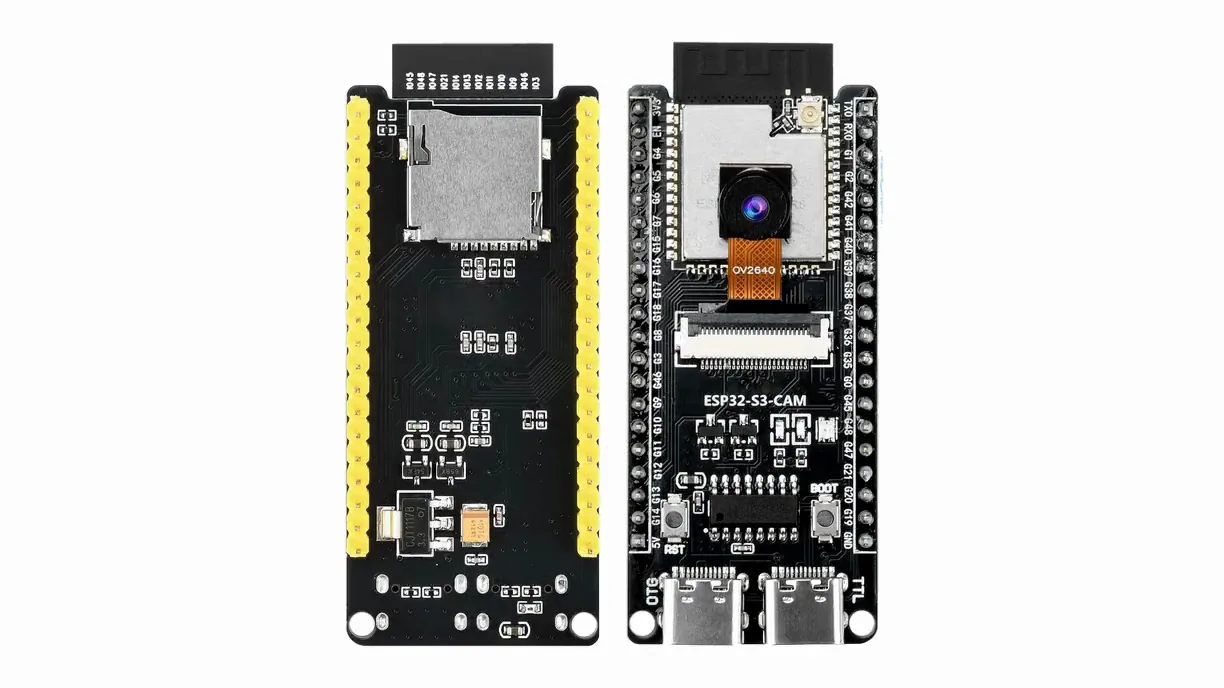
Buying somewhere else? Make sure the listing says N16R8. Lookalikes won’t run WiFiDrive, and the installer tells you before you pay.
About the install
Will it work on another ESP32 board?
If it’s an ESP32-S3 N16R8, it should. Those codes matter: an N8R8 or an N16R2 looks the same and won’t run it. Not sure? Better not to buy it. Pick one of the boards above.
What if I buy the wrong board?
You won’t be charged. The installer checks the board before you pay: if it can’t run WiFiDrive, it tells you and stops there.
What if my board dies?
We’ve got you, once. Write to us with your order number and we’ll send a code for a free install on a new board.
Why pay for firmware on a board I bought?
Because the board is the easy part. The pays for what makes it act like the stick your machine expects: the two modes, the layouts older machines want, the extensive tests, and every update.
Why not a Raspberry Pi?
A Pi takes a minute or two to boot, reboots when your machine cuts USB power, and your machine won’t see new files unless you script the disconnect yourself. WiFiDrive is a USB stick within seconds of power, with nothing on a card to corrupt and both modes built in.
Need more space?
The internal 15 MB are not enough? Look for the Waveshare ESP32-S3 LCD 1.47 or the ESP32-S3 CAM N16R8, and add a microSD card up to 1 TB.