Stop walking the USB stick to the machine.
WiFiDrive stays in the machine’s USB port and looks to it like any USB stick. You fill it from your phone or laptop, over your own WiFi.
- No app, no account, no cloud, and no software on the computer.
- Nothing to install on the machine: for it, this is a USB stick.
- If your machine won’t read it, a full refund within 30 days.
Everybody who loads a machine from a stick knows the walk.
Asked on the internet, again and again, in their own words.
“At the end of the day, I’m trying to send files from the PC to the Haas without having to run back and forth with a flash drive.”
“I would be in heaven if there is some option to purchase a USB that I can send the files wirelessly from the computer to the USB.”
“…looking at using a usb thumb drive but i don’t want to have to unhook it everytime i need to add new files etc.”
“USB sticks, CF cards etc. are a huge pain in the arse. We’ve been doing that for years and I have had enough. Way too much foot traffic.”
“I would love to figure out a setup that allows me to wirelessly send files to the BMP6, which only accepts USB, floppy disk (lol), and direct to computer connection.”
“It drove me absolutely batty having to pull the USB stick and circle back into the house to make any changes to the gCode.”
“I have my laser in another room because of the smell… that’s why I work on the desktop in my office, save the G-code on a USB stick and go to my laser with it…”
“…swap back and forth with the USB. It was just clunky and tedious.”
“Sick and tired of running back and forth with usb.”
How it works
Will it work with my machine?
If your machine reads a USB flash drive, it should read WiFiDrive. It is built to be the stick the fussiest controls ask for.
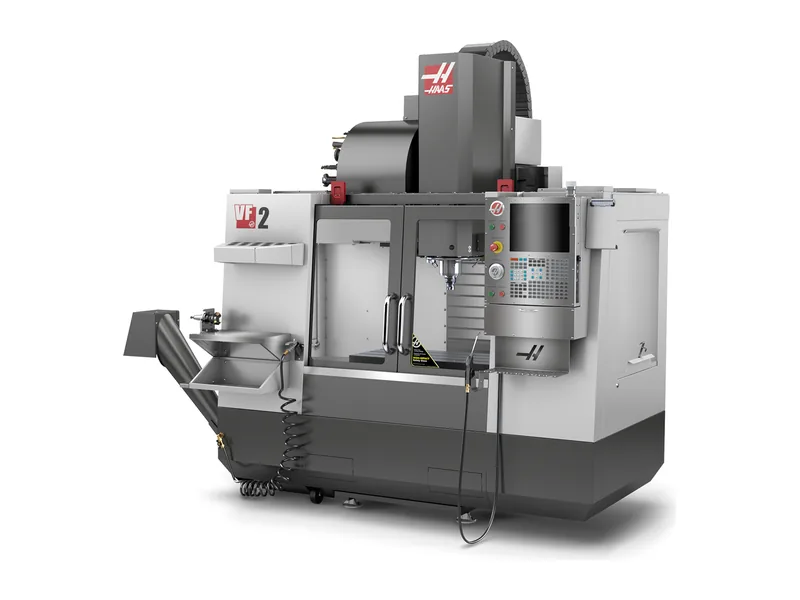
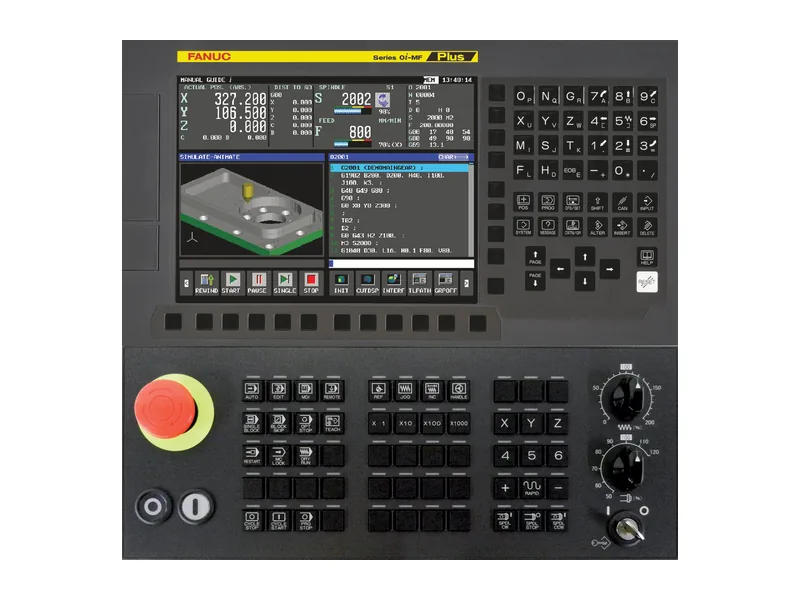
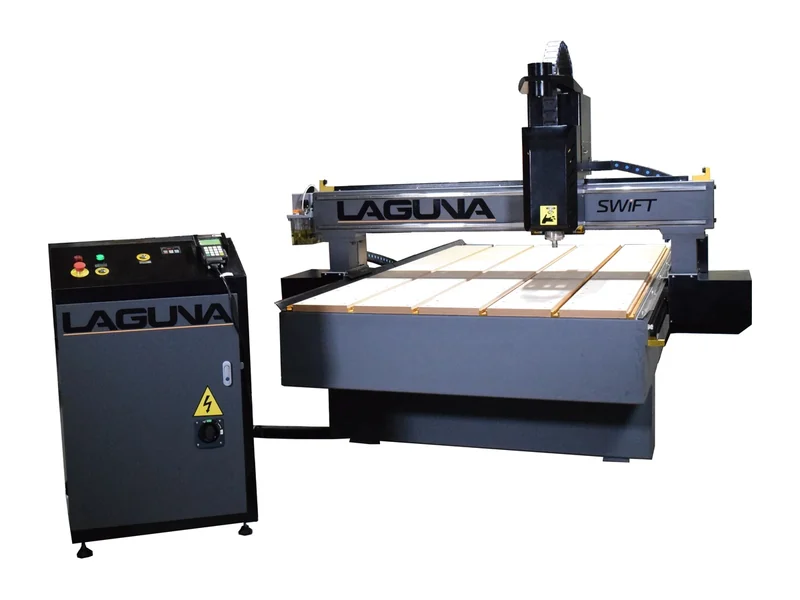
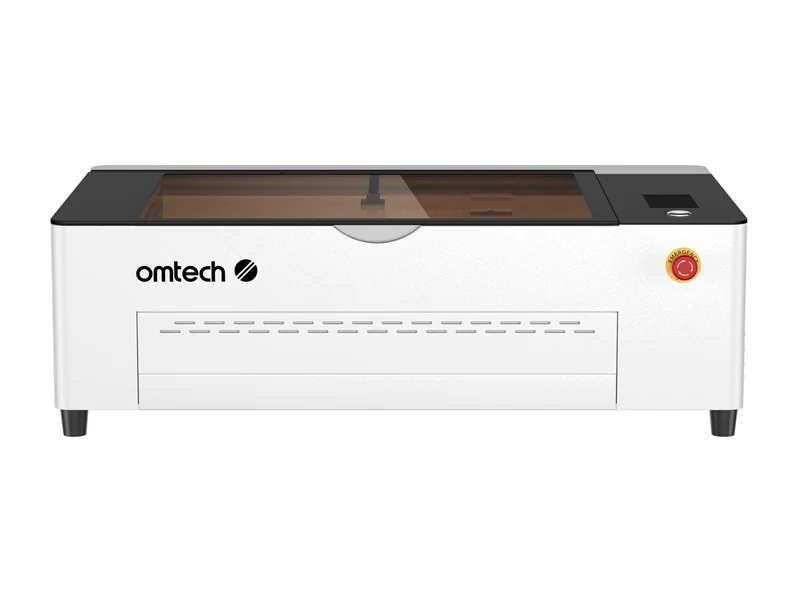
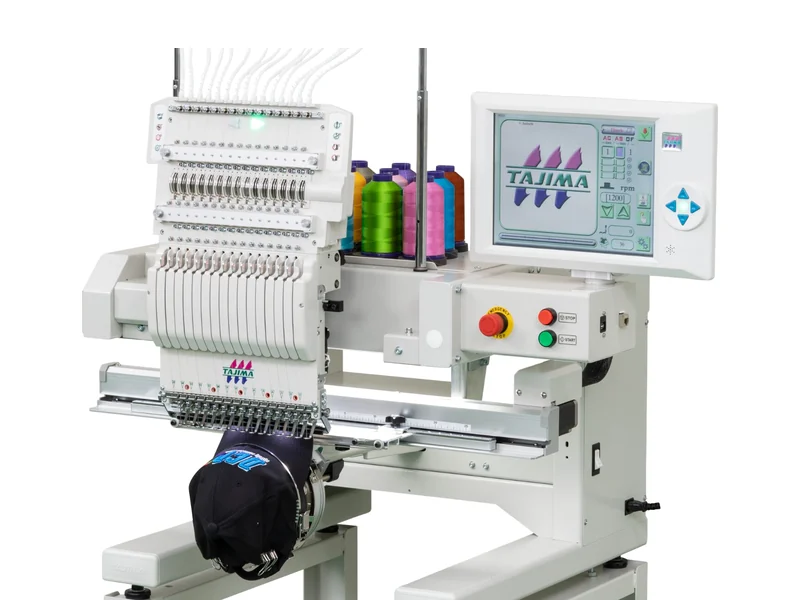
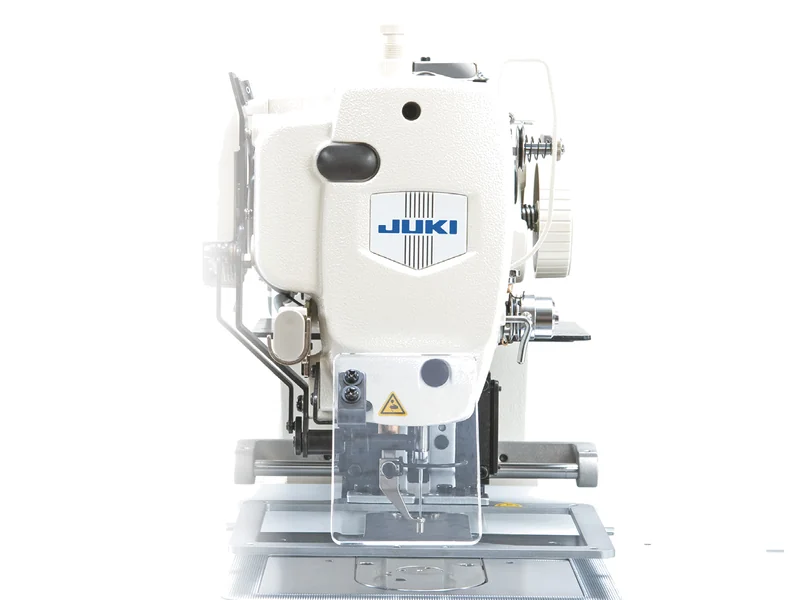
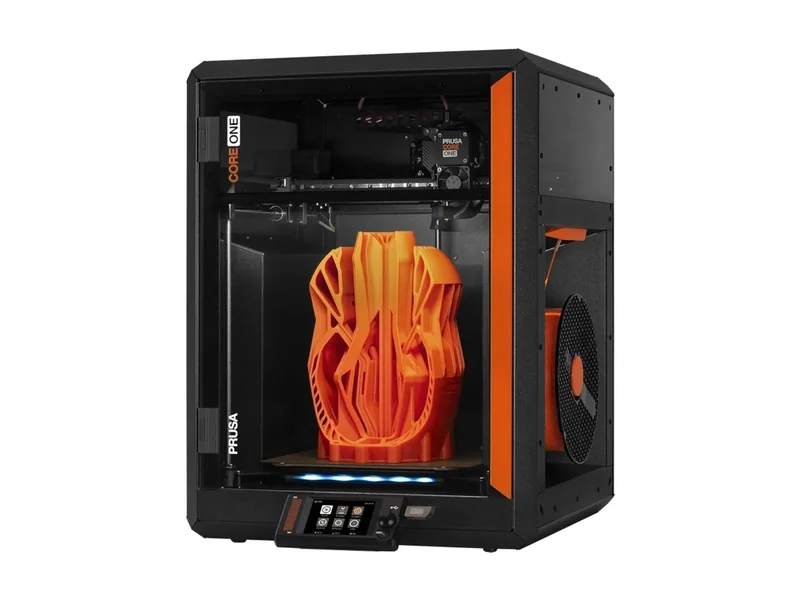
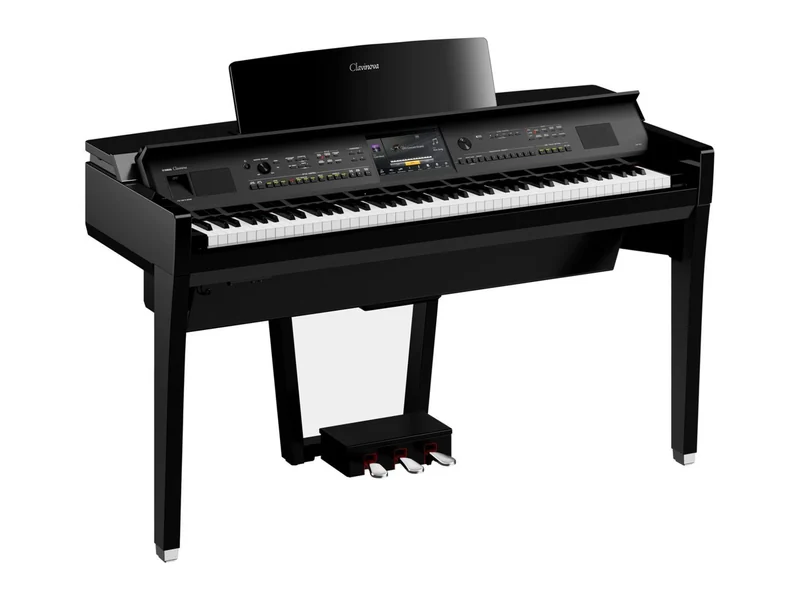
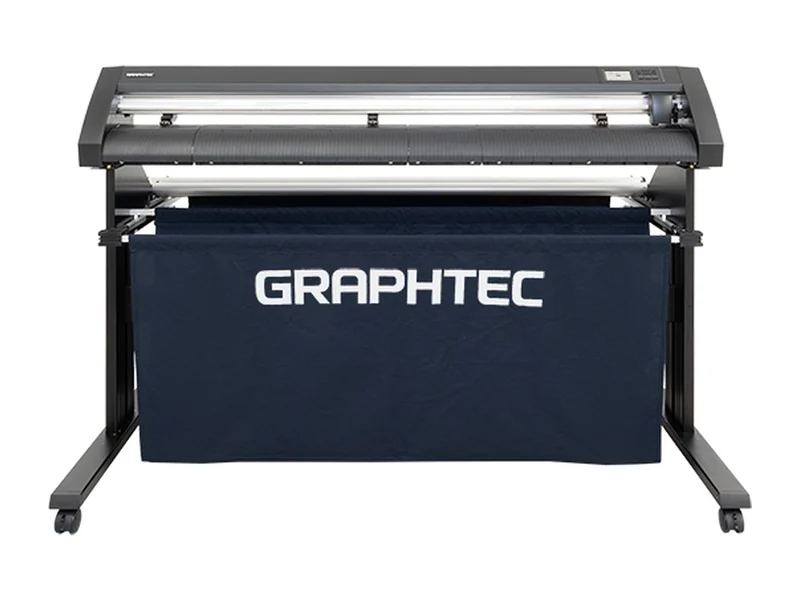
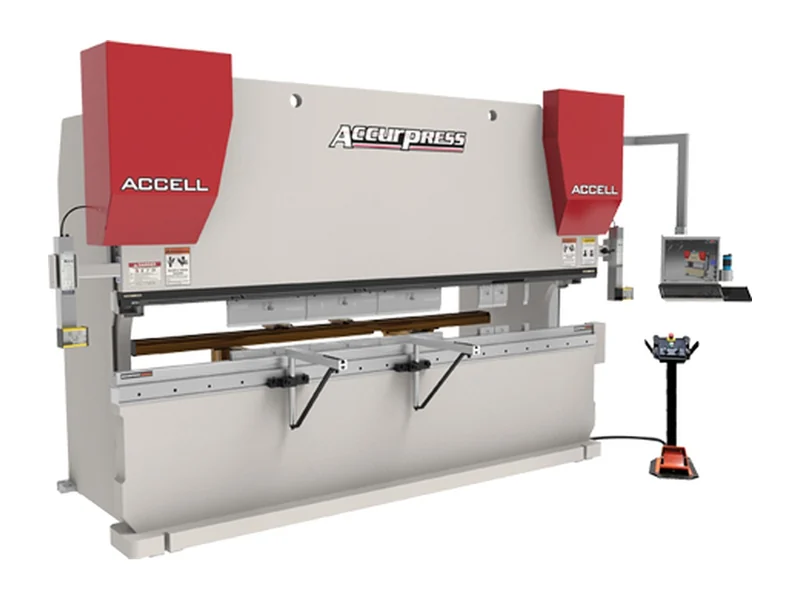
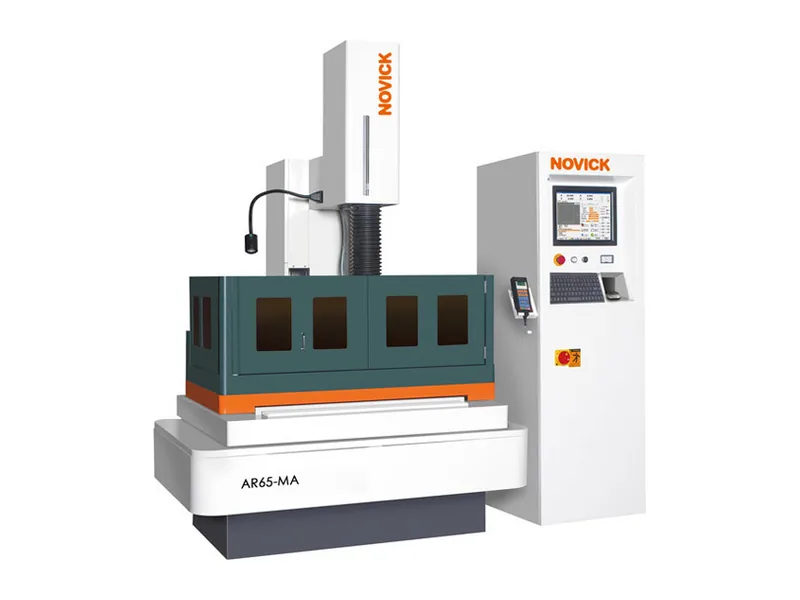
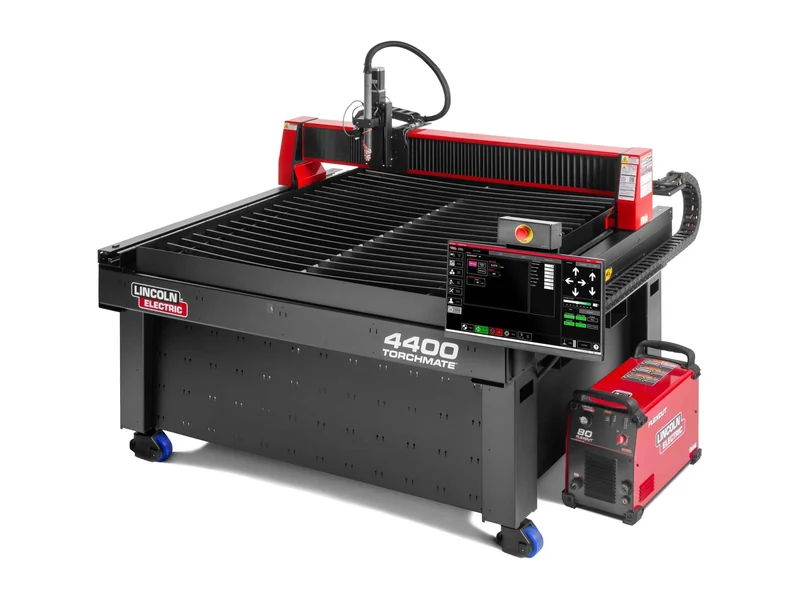
Not for: machines that take only their maker’s own stick (Sodick), cloud-only machines (Glowforge), and microSD-only or fast-stick printers (Bambu Lab).
We make it work
Two ways to get one.
Same WiFiDrive, same reliability, same refund.

Buy it ready
The WiFiDrive device is sold out until the next batch.
- USB stick with screen and a microSD slot (card not included).
- Ready to use: flashed and tested. Just plug it into your machine.
- Free shipping in the US. Everywhere else for ().
- Machine won’t read it? Send it back within 30 days for a full refund.

Install on your own board
- No download: install it from Chrome on a computer.
- Your board is checked to accept WiFiDrive before you pay.
- The license stays with the board. Reinstalls and updates are free.
- The same 30-day refund if your machine won’t read it.
Away from the shop?
Remote access puts every device on one centralized panel.
Control all your WiFiDrives from the office, from home or from another branch.
with a $10 minimum
Before you buy
Something else? Ask us. Or read the manual, which is also on the drive itself.
My machine is picky about USB sticks.
Good, that’s who we built it for. Its built-in drive looks like the small FAT16 sticks older machines love, and a microSD gives you up to 1 TB. Still won’t read it? Send it back within 30 days for a full refund.
Can I run a job right off it?
Sure. While your machine is using it, it’s just a USB stick, and WiFi can’t touch it. Just don’t switch modes mid-job. And if the power goes out, it wakes up as a stick.
Why do I have to switch modes?
It’s one tap, and it’s the reason your machine sees new files without a restart. WiFi SD cards let both sides write at once, which is why machines kept missing new files until you switched them off and on.
Can it mess with my machine or my network?
Nope. Your machine only sees a USB stick: it can’t start, stop or read anything else. It only talks to devices on your WiFi, and nothing leaves your network unless you turn on remote access.
Several machines at your shop?
You can plug a WiFiDrive into each and find them on the computer, with no subscription.
Name each one after its machine, and Windows lists them all under Network, each by its name. Double-click one to open its page and drop your files there. On a Mac or a phone, each one answers at its own name, like haas-vf2.local.

Is there a subscription?
No. You pay once and that’s it: no internet, account or app needed. The only monthly thing is remote access, for reaching it from outside your shop, and it’s optional.
Does it work with Windows, Mac and Linux?
Yes, and with phones and tablets too. You send files from a browser, so there’s nothing to install. And your machine? Whatever it runs, it only ever sees a USB stick.
Can I buy it from outside the US?
Yes. We ship worldwide for a flat , tracked (). Customs fees, if any, are on you. Not on the list? Grab a supported board where you are and install WiFiDrive from Chrome.
Where we ship
Tracked, for a flat . Customs fees, if any, are on you.
Plug it in once. Stop walking the stick.
Ships within days. A full refund within 30 days if your machine won’t read it.