Bernina · Embroidery machines
A WiFi USB stick for your Bernina embroidery machine.
Reads .EXP designs, and DST, PES and other formats, from the stick and its folders, and saves designs back to it. WiFiDrive stays in its USB port, looks to the Bernina like any stick, and gets your designs there over your own WiFi.
- Works as it ships: the Bernina reads it as is.
- Load a design from it as from any stick.
- If your Bernina won’t read it, a full refund within 30 days.
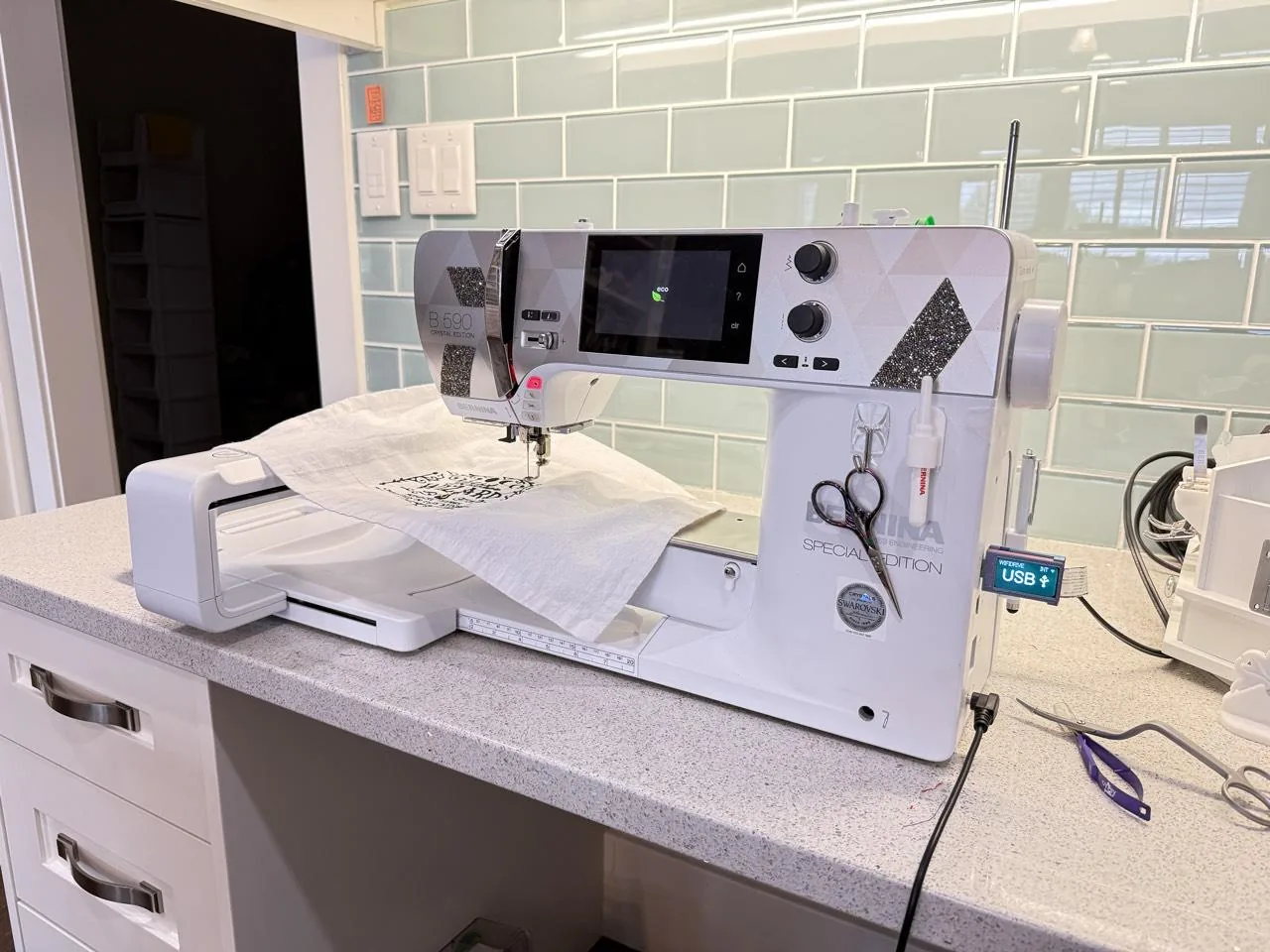 Bernina 590 Crystal Edition
Photos and videos
WiFiDrive in Bernina machines.
Bernina 590 Crystal Edition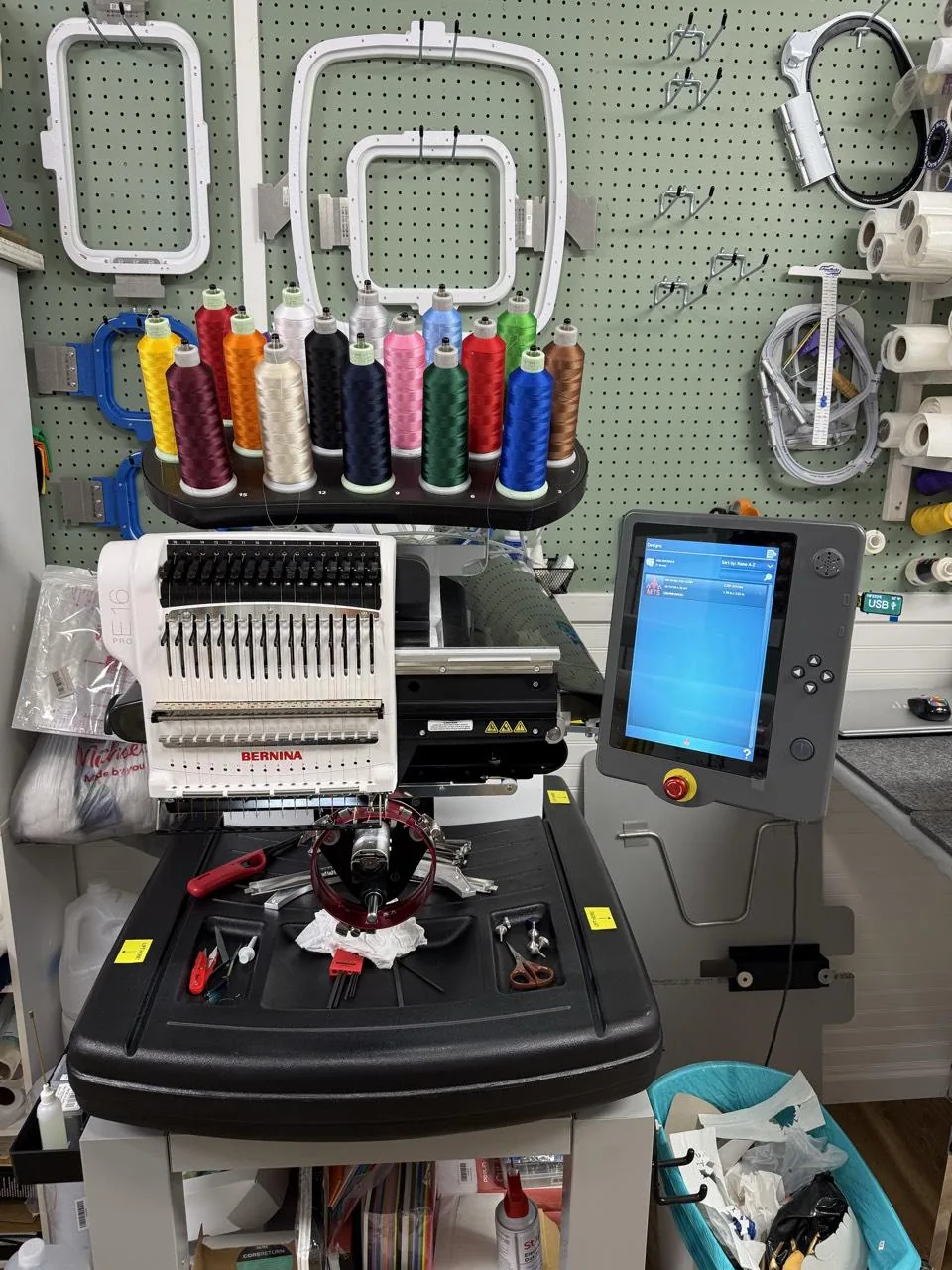 Bernina E 16 PRO
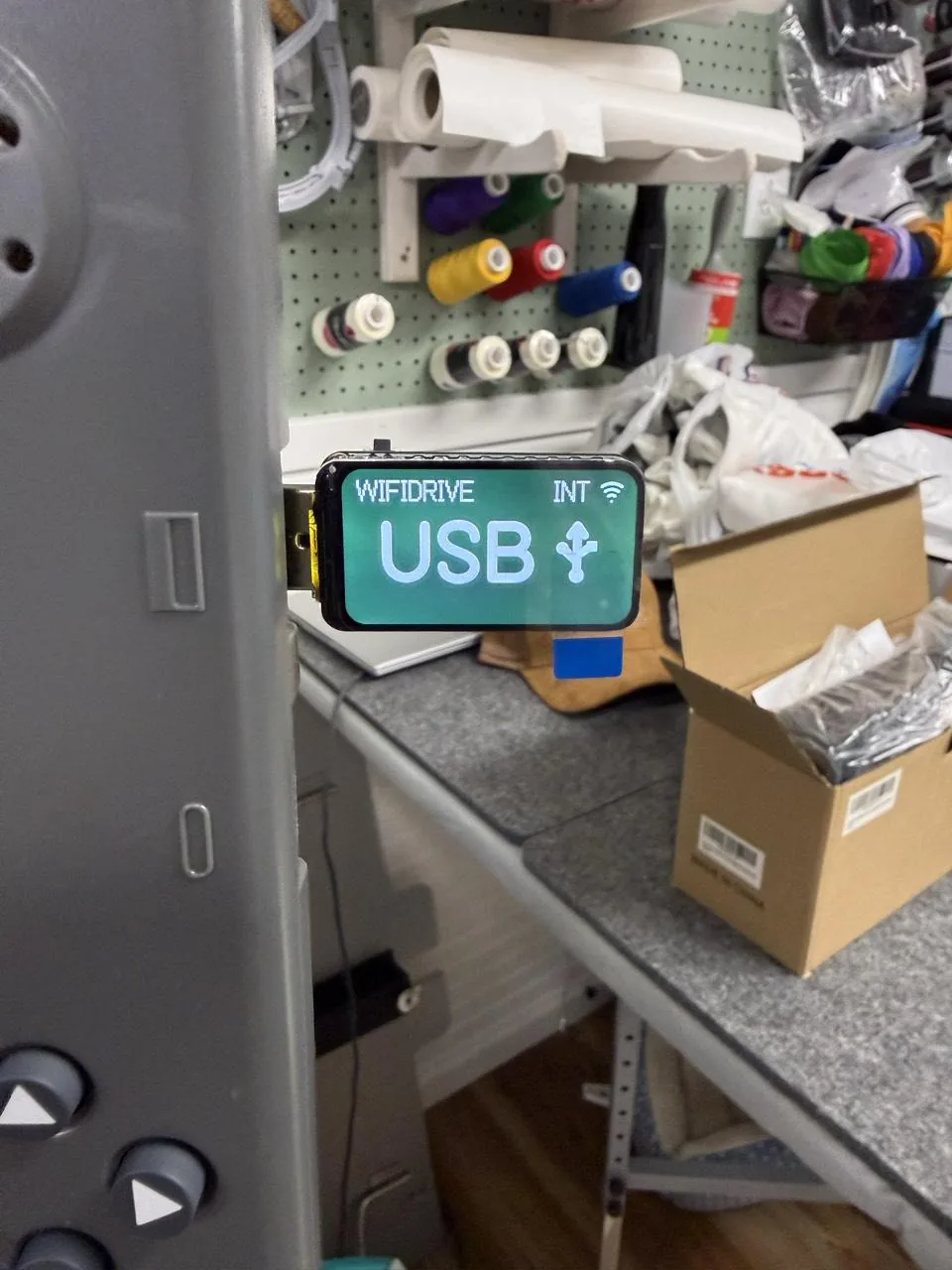 Bernina E 16 PRO
Models
Every Bernina embroidery machine.
WiFiDrive goes in its USB port on every one.
9 Series
- 990
8 Series
- 880 PLUS
7 Series
- 790 ULTRA
- 790 PRO
- 770 QE PRO
- 735 PRO
- 700 PRO
5 Series
- 590
- 590 Crystal Edition, in our photos
- 580 Liberty Edition
- 570 QE E
- 570 QE
- 535 E
- 535
- 500
Multi-needle Embroidery
- E 16 PRO, in our photos
The stick
What a Bernina asks of it.
- Loads a designHome machines: Selection, touch the USB stick icon, pick the design; E 16 PRO: the load button at the bottom left of the main screen, Design Source USB, the design, then Confirm
- FormatsEXP, DST, PES, PEC, JEF, SEW, PCS and XXX on the home machines, EXP with its .INF for thread colors; .OFM (version 9 and later), .ARTX, .EXP and .DST on the E 16 PRO
- FoldersThe E 16 PRO browses and searches folders on the stick and creates, renames and deletes them; the 990 creates folders and moves, copies, renames and deletes files on it
- Stick formatFAT32 by Bernina's manuals (700 PRO, 990); the Berninas we tested read WiFiDrive's FAT16 as it ships; no source gives a size limit
- Writes backHome machines save edited designs to the stick; the E 16 PRO copies, moves, renames and deletes designs between its own storage and the stick
- WiFiDrive’s layoutThe one it ships with
- Sourcesbernina.com, docs.melcocloud.com, docs.melcocloud.com (2), bernina.com (2), bernina.com (3)
Will it work with your Bernina?
If your Bernina reads a USB stick, it reads WiFiDrive. If yours doesn’t, send it back within 30 days for a full refund.