Brother · Embroidery machines
A WiFi USB stick for your Brother embroidery machine.
Loads .pes, .phc and .dst designs from the stick and saves designs back to it. WiFiDrive stays in its USB port, looks to the Brother like any stick, and gets your designs there over your own WiFi.
- Works as it ships: the Brother reads it as is.
- Load a design from it as from any stick.
- If your Brother won’t read it, a full refund within 30 days.
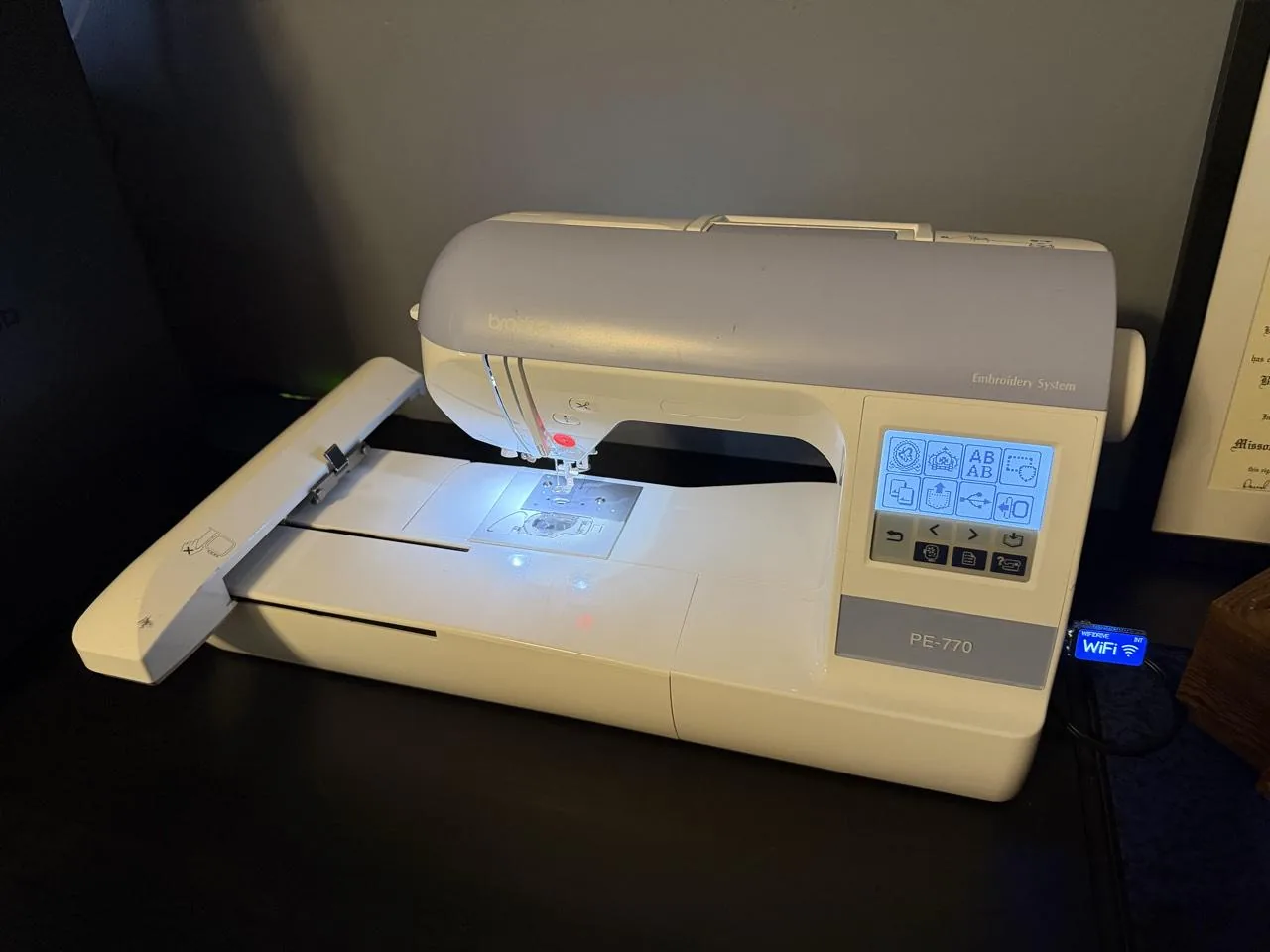 Brother PE770
Photos and videos
WiFiDrive in Brother machines.
Brother PE770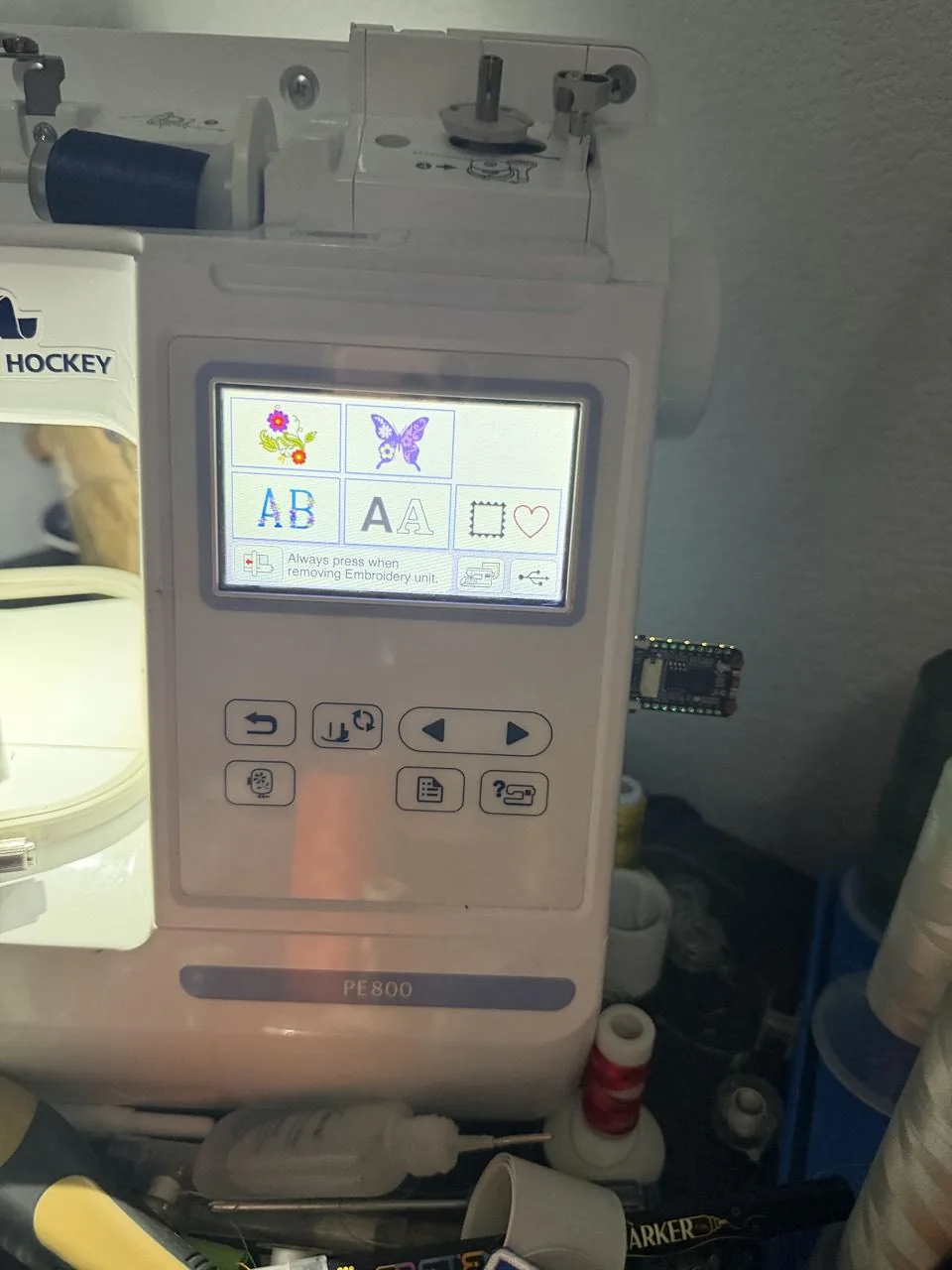 Brother PE800
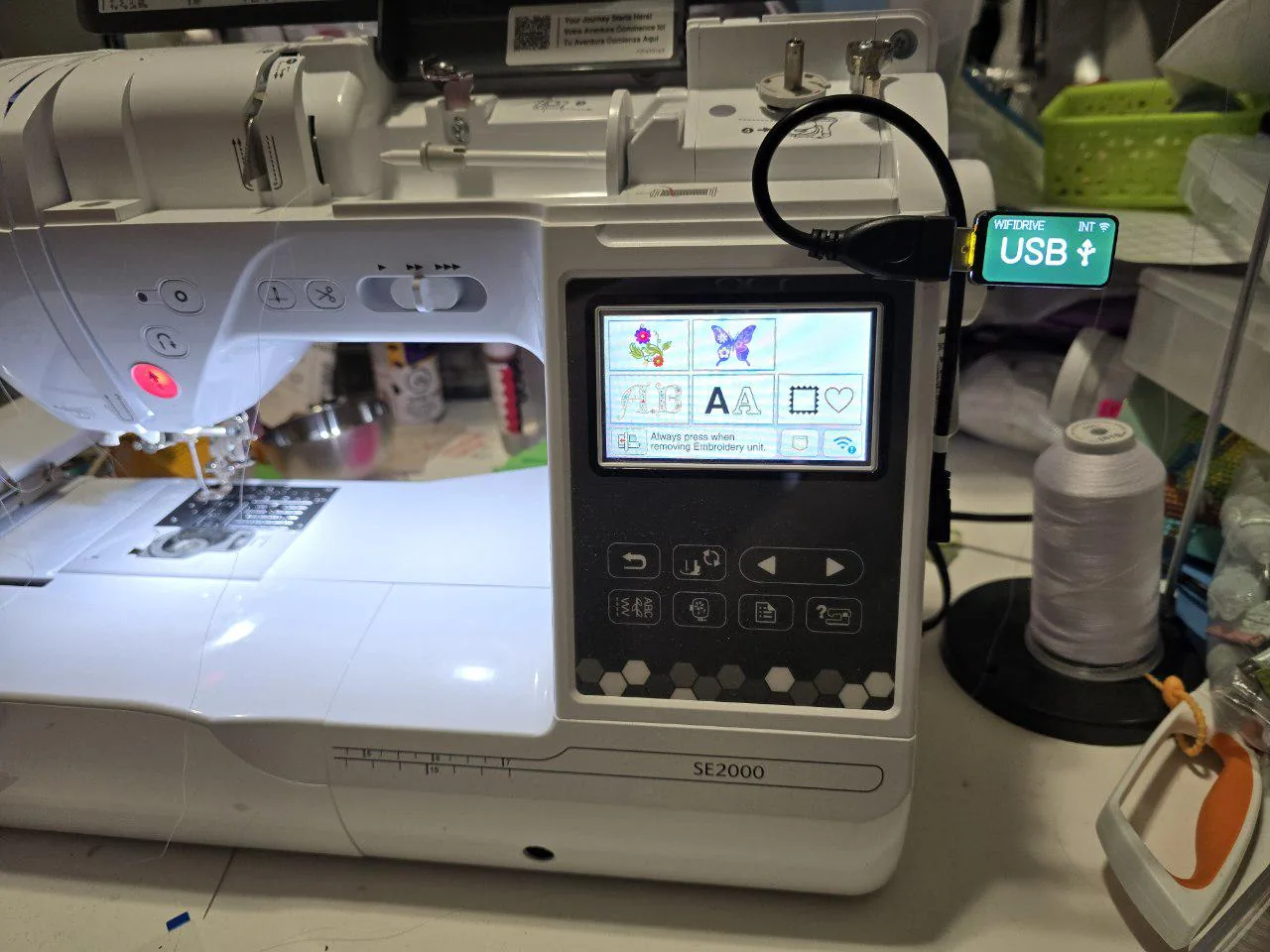 Brother SE2000
Models
Every Brother embroidery machine.
WiFiDrive goes in its USB port on every one.
Luminaire
- XP3
- XP2
- XP1
Stellaire
- XE2
- XJ2
- XE1
- XJ1
Aveneer
- EV1
- EV1LE
Celeste
- CX1E
Expedition
- BX1
- BX1e
Essence
- VM5200
Innov-is V series
- VM6200D
- VM5100
- VE2200
Innov-is NQ series
- NQ3700D
- NQ3550W
- NQ1700E
- NQ3600D
- NQ3500D
- NQ1600E
- NQ1400E
Innov-is NS series
- NS2850D
- NS2750D
- NS1850D
- NS1750D
- NS1250E
- NS1150E
Innov-is XV series
- XV8550D
- XV8500D
Innov-is BP series
- BP3500D
- BP2100
- BP1400E
SE series
- SE2000, in our photos
- SE725
- SE700
- SE630
- SE1950
- SE1900
- SE1800
LB series
- LB5500
- LB7000
PE series
- PE900
- PE570
- PE545
- PE800, in our photos
- PE780D
- PE770, in our photos
- PE550D
- PE535
SB series
- SB8000
- SB7050E
DZ series
- DZ820E
PR series
- PR1060W
- PR680W
- PR1X
- PR1055X
- PR1050X
- PR1000E
- PR1000
- PR670E
- PR655
- PR650E
- PR650
- PR620C
- PR620
- PR600II
PRS series
- PRS100
The stick
What a Brother asks of it.
- Loads a designInsert the stick, press the USB key, open a folder if needed, pick the design
- File types.pes, .phc and .dst; newer models also .phx, some also .pen
- StickPE800: any size. Newer models: FAT32, 32 GB or less recommended; Aveneer EV1 also exFAT and NTFS, 8 to 32 GB
- FoldersOpens folders made on a computer; the machine cannot create them
- Writes backSaves designs to a bPocket folder (.phc or .phx on newer models), screen images as .bmp, and can delete designs
- WiFiDrive’s layoutThe one it ships with
- Sourcesdownload.brother.com, support.brother.com, download.brother.com (2), help.brother-usa.com, support.brother.com (2)
Will it work with your Brother?
If your Brother reads a USB stick, it reads WiFiDrive. If yours doesn’t, send it back within 30 days for a full refund.